
How to play: a captain’s first steps
Everything a new player needs in Black Crown: how to get into the game, where to get your first ship, how the controls work on PC and on a phone, how to sail and what to do on your first evening. Only features that already work in the game.
Updated 12.11.2026Play for free
Getting into the game
The game opens right in your browser — on a phone or a computer, with nothing to download. Press Play for free, pick a pirate nickname and a password, or enter as a guest just to try it out: you can protect a guest name with a password later. The game is for adults — you confirm that you are 18 or older when you register.
There are standalone versions too: a Windows program and an Android app. They open the same world and the same account and update themselves. Download them from the “Play wherever you like” section of the home page.
Your first ship and first doubloons
A corvette and 5,000 doubloons wait for every new player at the Tortuga pier. The corvette is a fast, nimble ship with five guns a side, so you can head out to sea straight away. If you ever lose your ship, the shipyard gives you a sloop for free.
- Look around Tortuga: the shipyard by the main pier, the gunsmith, the tailor, taverns, stables and the quest board.
- Take a task from the board by the pier — tasks change every 30 minutes, and the storyline “The Missing Navigator” guides you around the island step by step.
- Sail out and scan the horizon for merchant sails with your spyglass — it zooms up to ×16.
- Visit islands: crates and wreckage with doubloons, planks and rum lie on the beaches, and chests wait further inland.
Which ship suits you best is covered in the Ships guide.
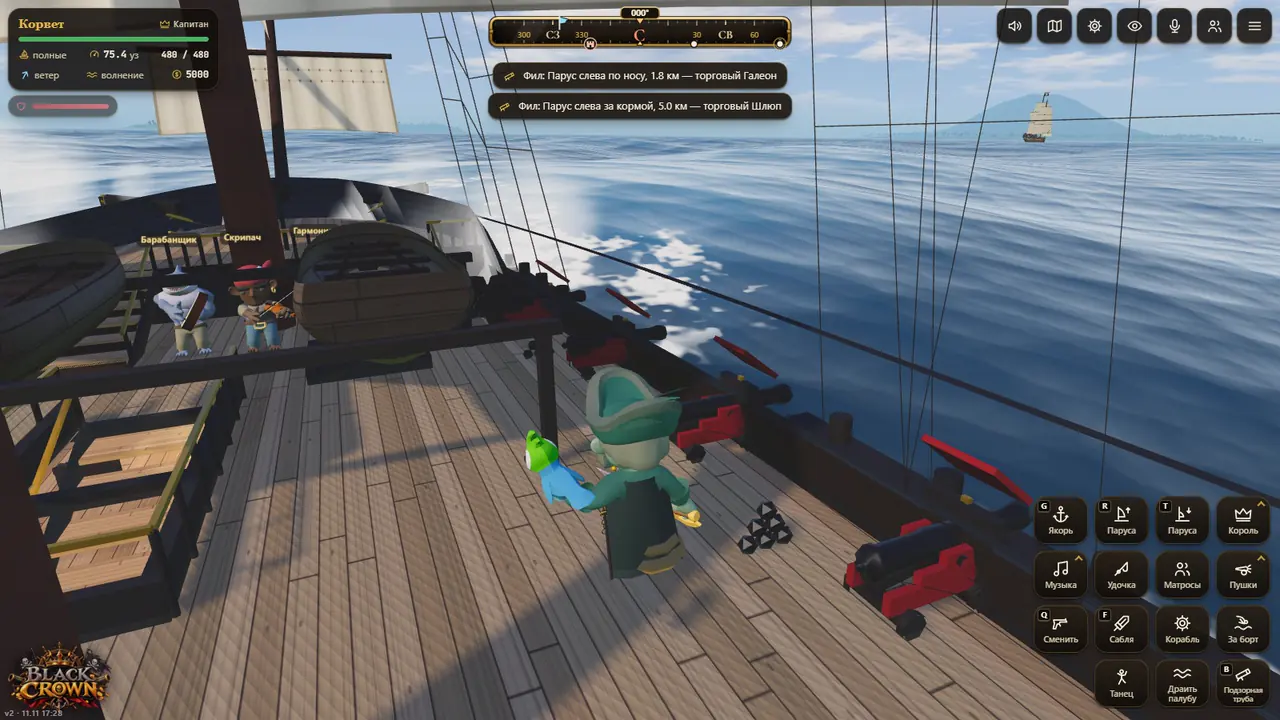
PC controls
- W A S D — walk, Shift — run, mouse — look around, wheel — zoom.
- E — nearby action: take the wheel, open a shop, mount a horse, climb a ladder.
- V — first-person view, Q — switch weapon, Tab — scoreboard of players online.
- Mouse look without holding a button can be switched on in Settings → Controls, along with sensitivity and inversion.
- Keys are fully rebindable: 53 actions, mouse buttons included, with a reset to defaults.
Phone controls
On a phone your left thumb is the joystick (push it to the edge to run), the right thumb looks around and two fingers zoom. The wheel, sails, guns and other actions are on the buttons to the right. Hold the phone sideways and play full screen for the best experience.
If your phone is on the weaker side, pick “Low” or “Saver” graphics — in the game settings or right on the website. “Auto” adjusts the quality to your device by itself.
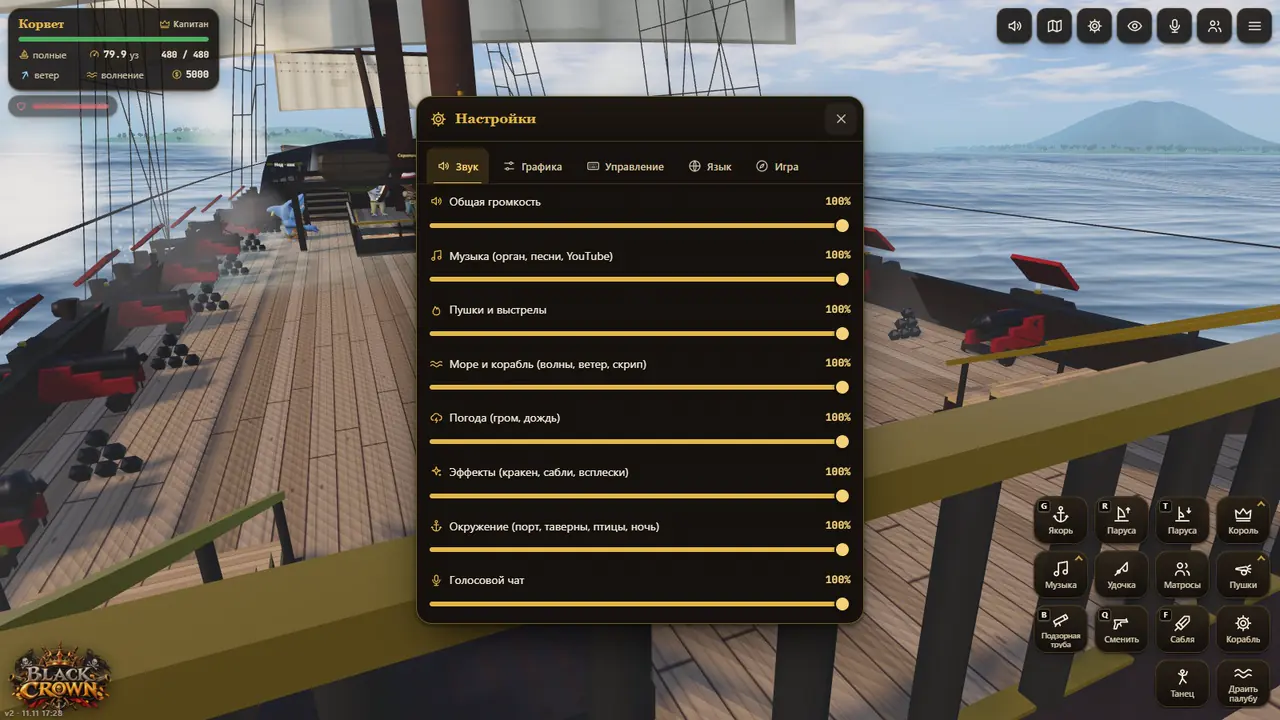
Sails, wind and the chart
There is one sea for everybody: wind, weather and time of day are the same for every player. Wind from astern gives the best speed and a headwind slows you down; you can see where it blows on the chart and in the corner of the screen. Sails have several settings from furled to full, there is a reverse, and the anchor holds the ship in place.
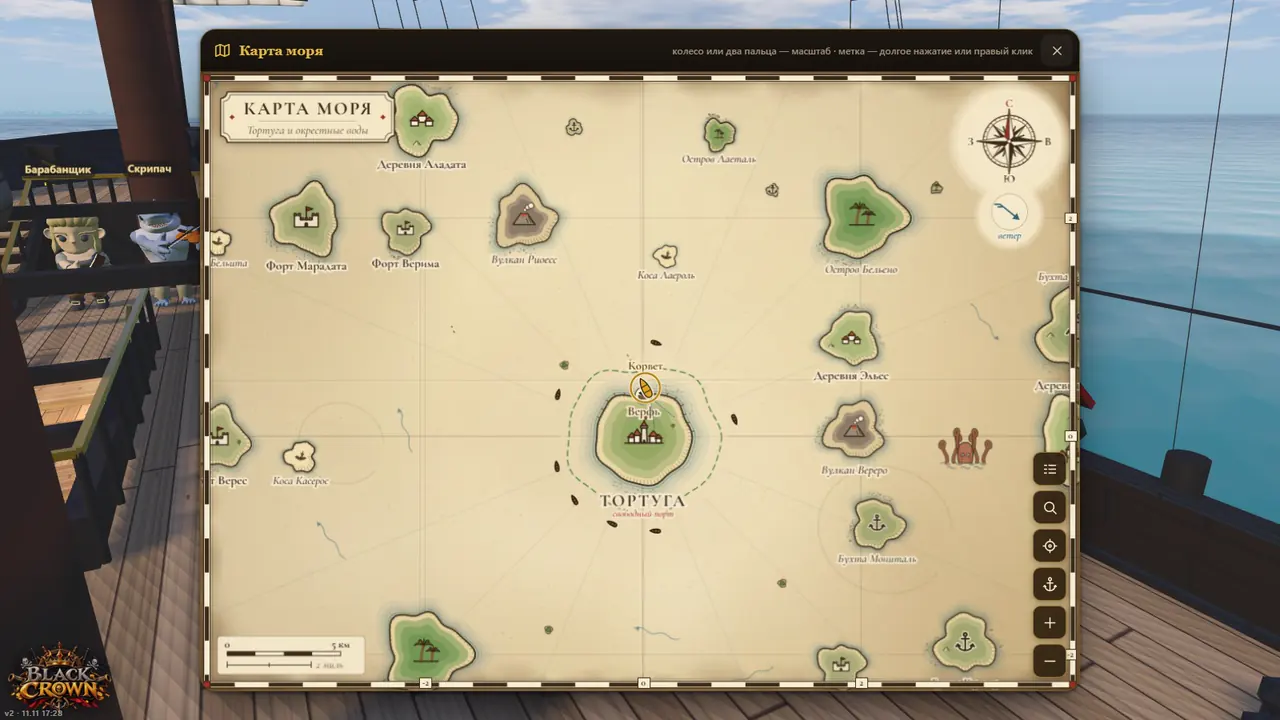
The sea chart opens with a button at the top: the wheel or two fingers zoom, and a long press places a marker your whole crew can see. The compass at the top of the screen shows your heading and the direction to the marker. The map never ends — new islands appear as you sail — and around Tortuga there is a green zone where nobody shoots.
In a storm the waves rise and the ship rolls harder, so shorten sail. You can jump overboard and swim, and at a pier you can take a rowing boat out to your ship.
What next
Once you have found your sea legs, invite friends into your crew — loot is shared and nobody can hurt their own side (clans and crews). Learn the broadside and boarding (sea battles), explore the districts and shops of Tortuga and check the latest updates. Questions are welcome on the captains’ forum.